Editing and Cut Structure
AI video often becomes stronger when it moves beyond a single shot. Cut-structure terms give short sequences rhythm and progression.
This page no longer uses SVG placeholders. The visual examples are now real-photo reference boards built from CC0 or public photographic sources, plus a few single-photo references where one frame is enough.
Cut 1 / Cut 2
This is the simplest way to split a prompt into ordered beats. The point is not only what each shot looks like, but how the second shot changes scale, emphasis, or information.
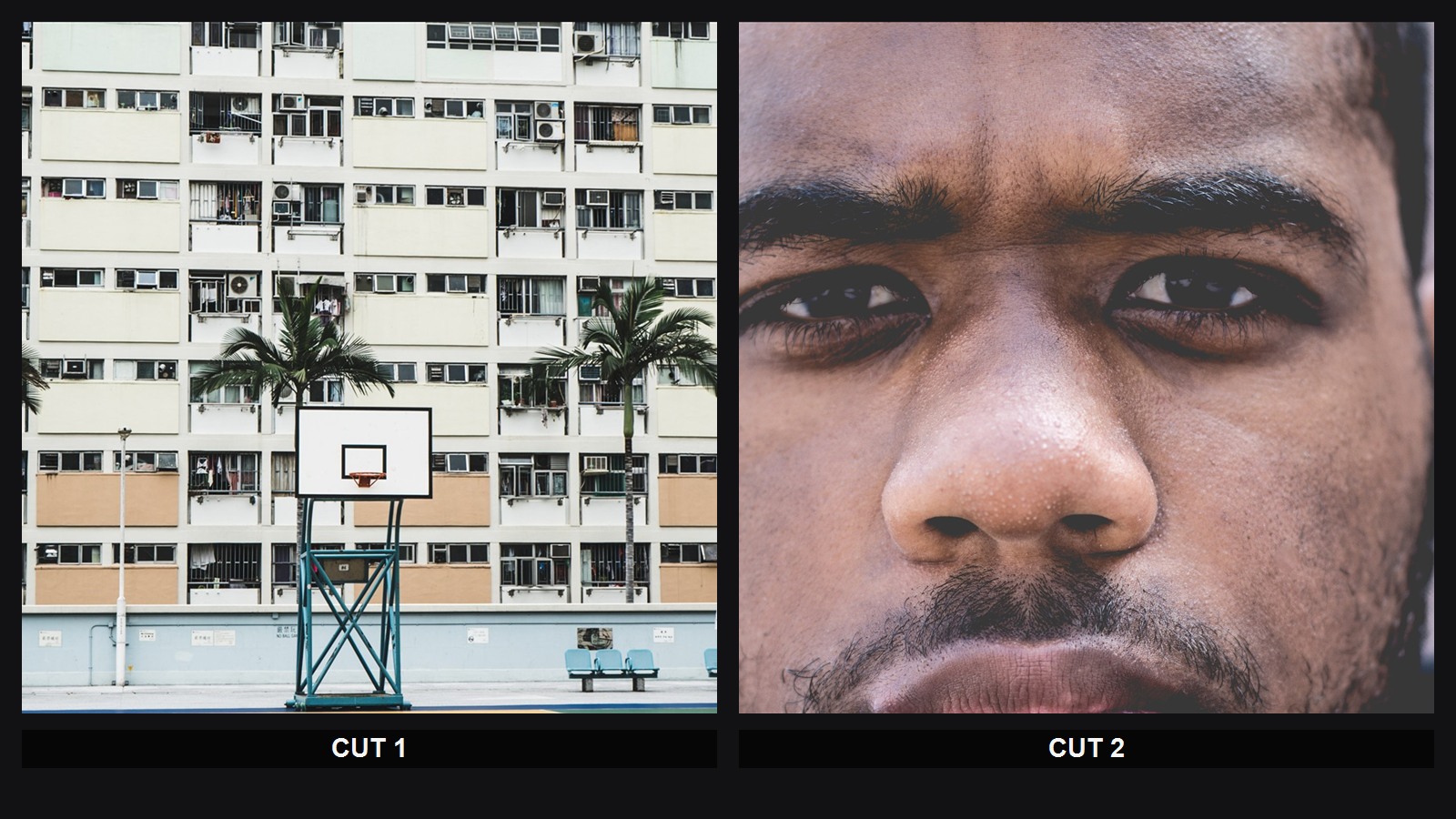
- Prompt fragment:
Cut 1 wide establishing frame, Cut 2 close-up emotional emphasis - Real reference board: Man standing in court (Unsplash) + Face portrait (Unsplash), both
CC0


setup
The setup is the opening beat that establishes the situation, the space, and the basic visual logic of the sequence.

- Prompt fragment:
Cut 1 setup, wide establishing frame, subject small inside the environment - Real reference: Man standing in court (Unsplash),
CC0, cropped
escalation
Escalation is the beat where motion, tension, or stakes start rising. The subject is no longer only introduced; the sequence begins to accelerate.

- Prompt fragment:
Cut 2 escalation, faster movement, rising urgency - Real reference: Woman running

climax
The climax is the visual or emotional peak of the sequence. It is the moment where scale, intensity, or payoff becomes most explicit.

- Prompt fragment:
Cut 3 climax, epic payoff, maximum visual scale - Real reference: New York City night skyline by 500px 1.jpg

ending beat
The ending beat is the final image that leaves the sequence with a residue, aftertaste, or visual landing.
.jpg?width=1200)
- Prompt fragment:
final ending beat, quieter landing image, lingering afterglow - Real reference: Golden Hour (Unsplash)

match cut
A match cut connects two different shots through a similar shape, line, gesture, or motion direction. The visual rhyme makes the cut feel intentional instead of abrupt.
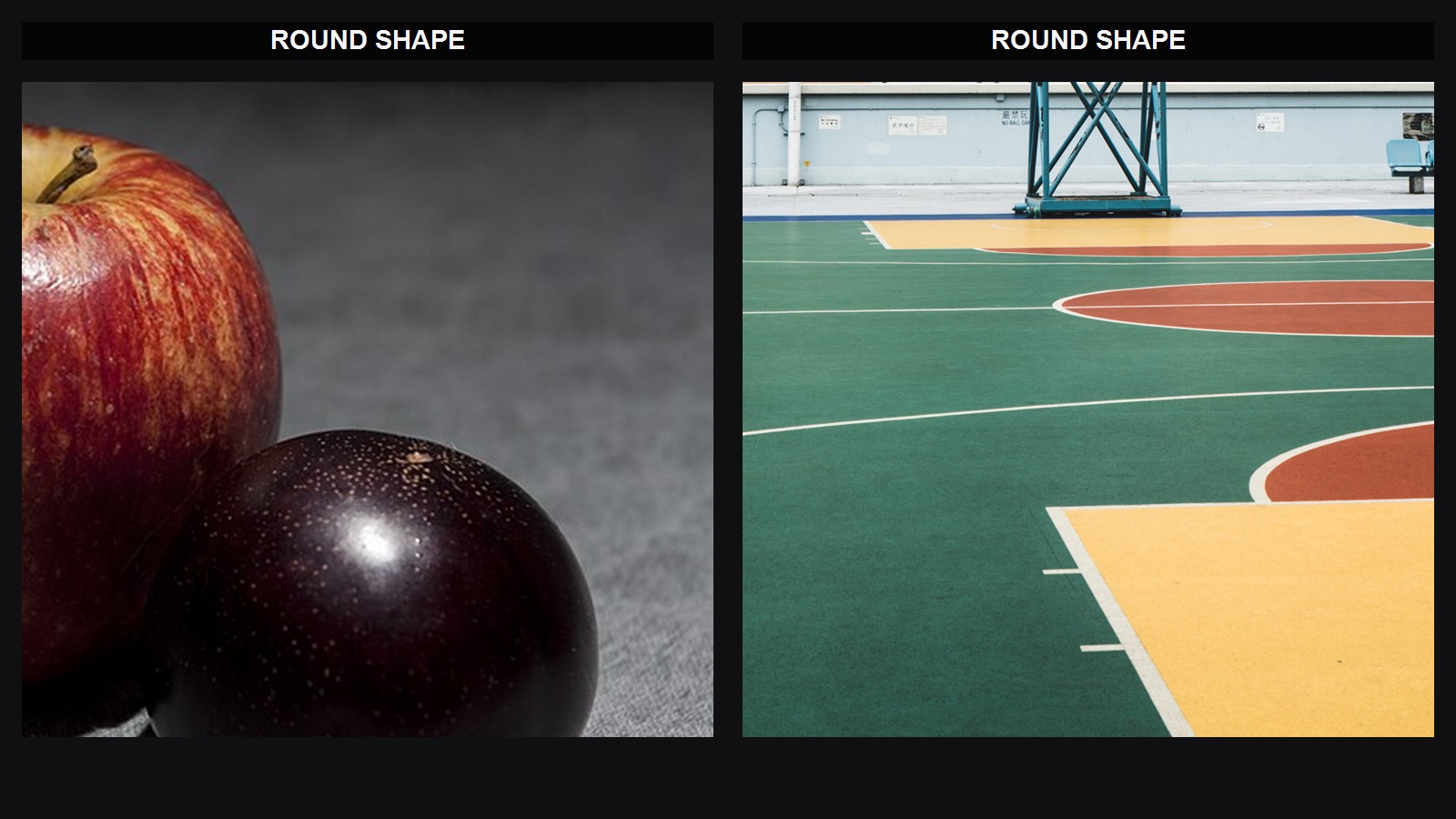
- Prompt fragment:
match cut through circular shape continuity - Real reference board: Comparison of softbox to direct flash.jpg + Man standing in court (Unsplash)

transition
transition is the broad category for how one shot changes into the next. It often implies a designed bridge, not only a raw cut.
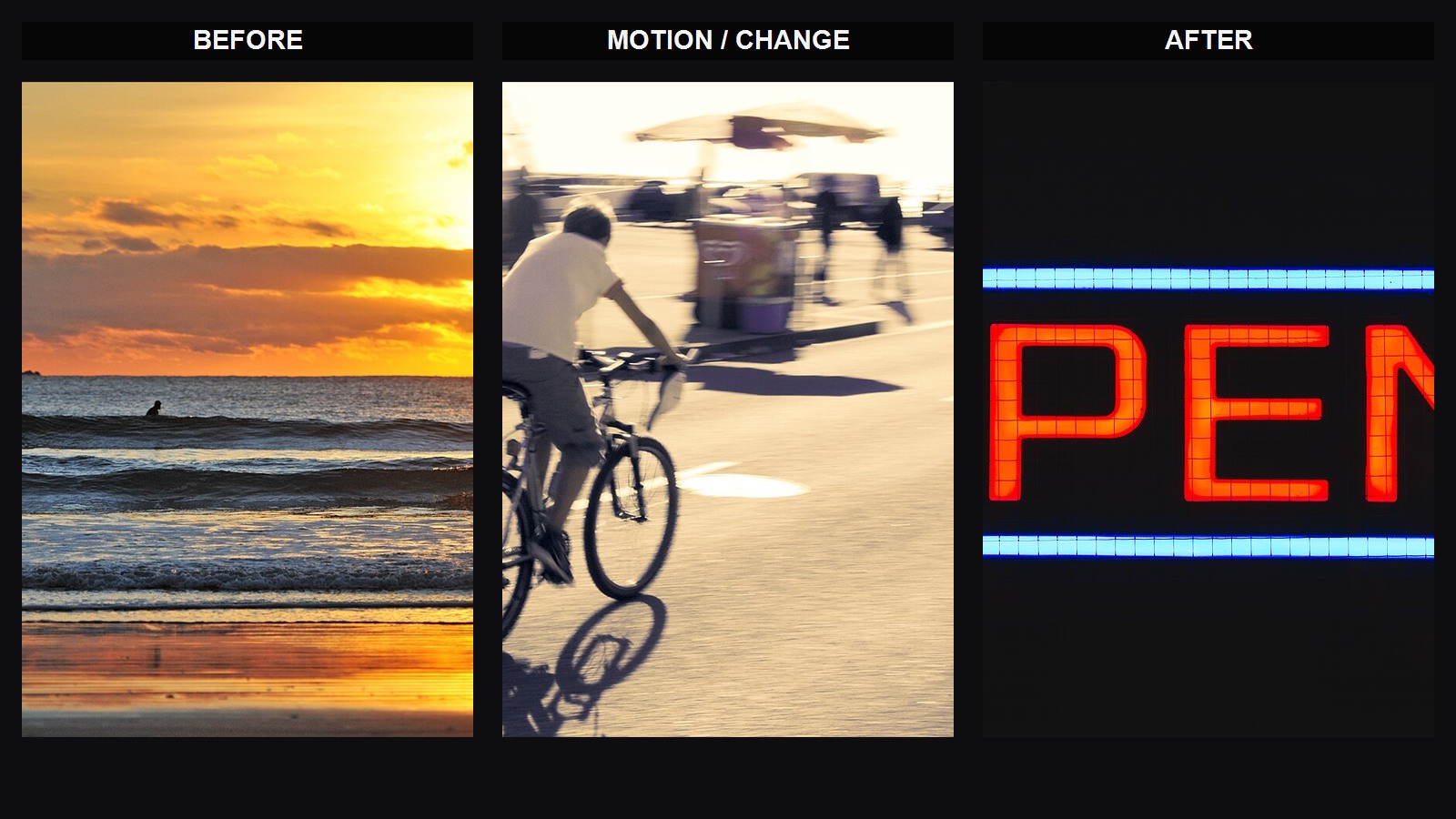
- Prompt fragment:
transition beat, image change carried by blur and directional motion - Real reference board: Golden Hour (Unsplash) + Motion blur (1325070316).jpg + Red and blue open neon (Unsplash)


hard cut
A hard cut jumps directly from one shot to the next with no soft blend. What makes it work is usually contrast, clarity, and a strong decision to move on.
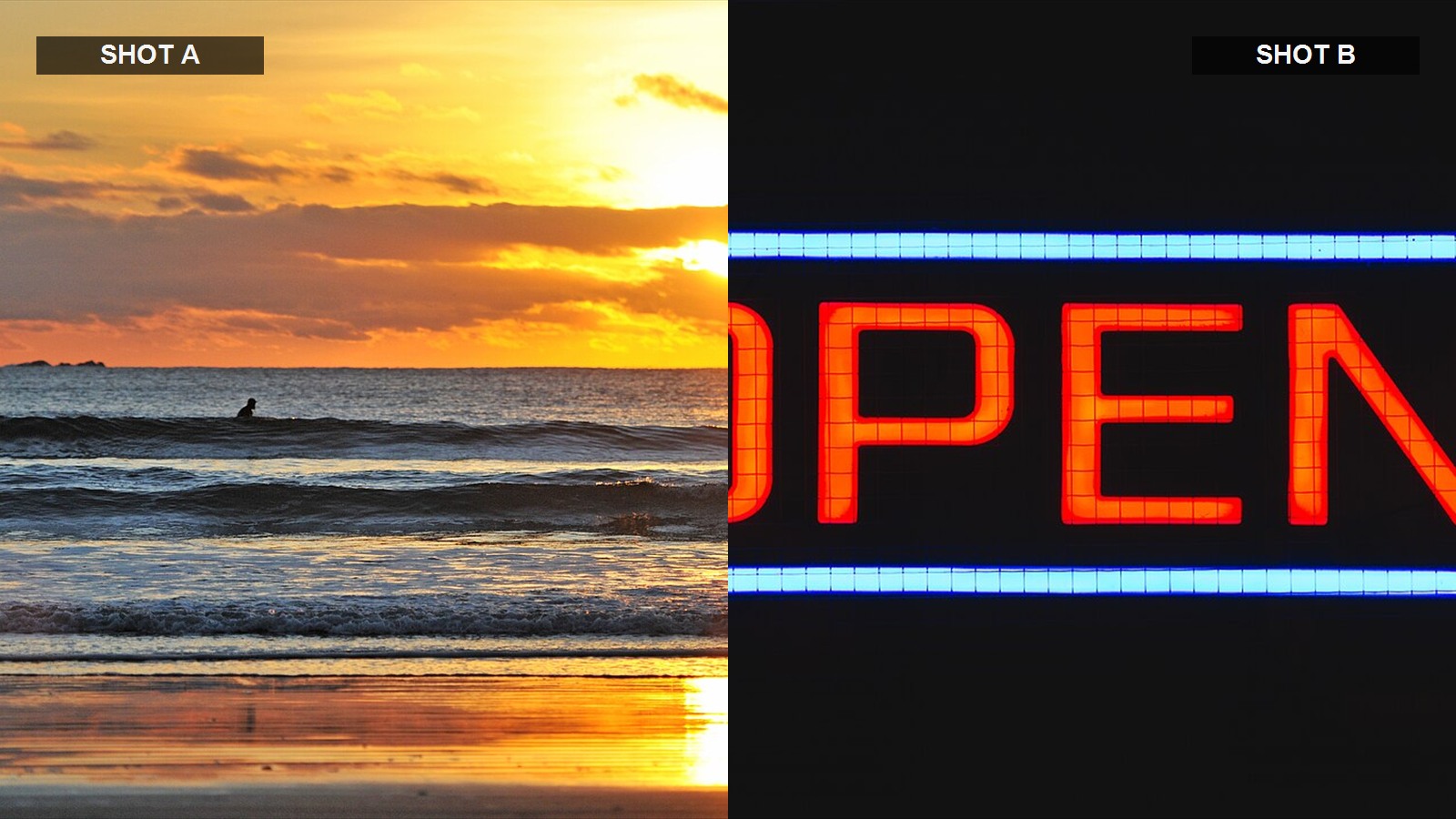
- Prompt fragment:
hard cut from warm daylight to neon night - Real reference board: Golden Hour (Unsplash) + Red and blue open neon (Unsplash)
fade in / fade out
Fade in and fade out gradually open or close the image. They soften the entry or exit and usually feel less abrupt than a direct cut.
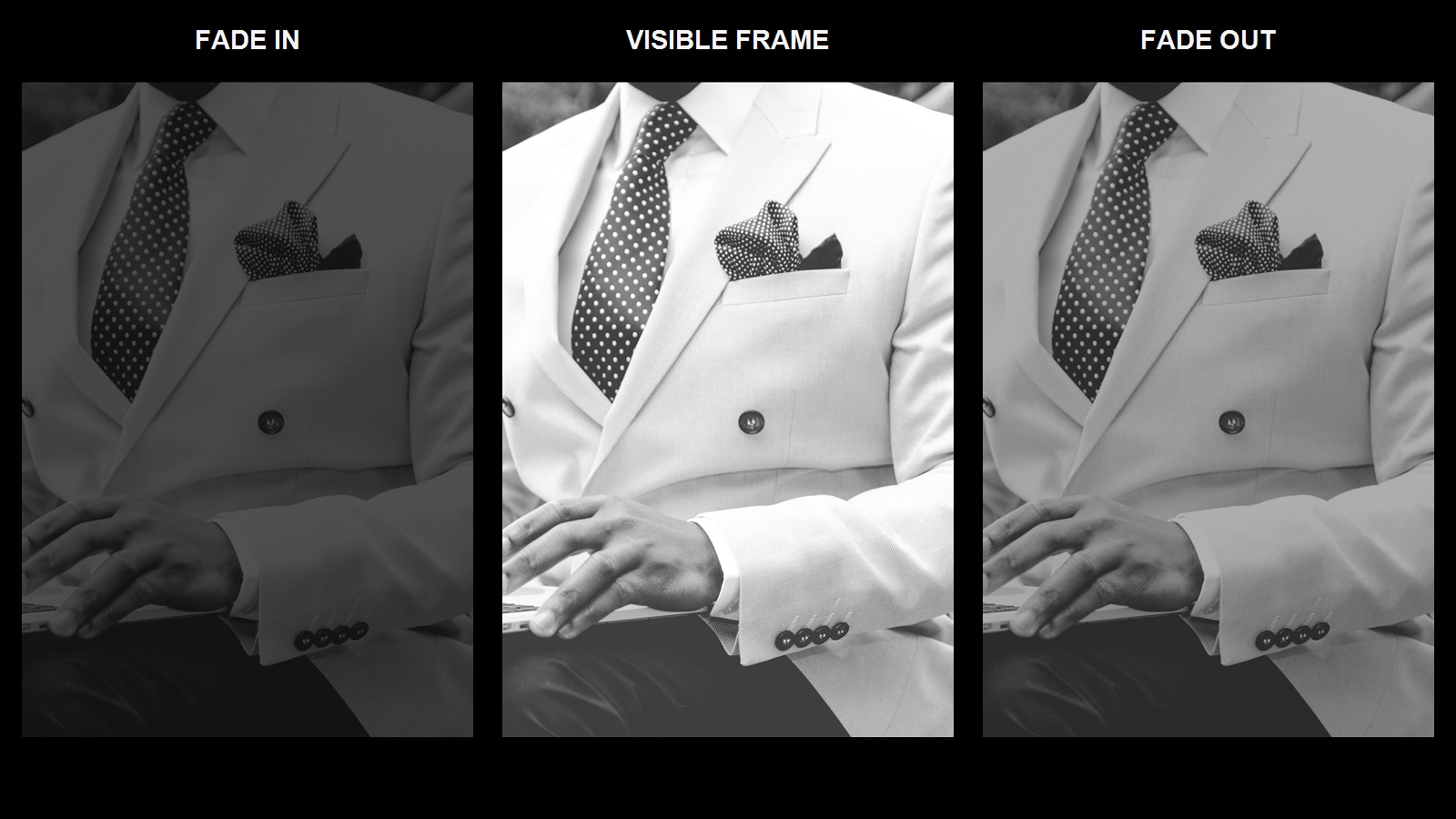
- Prompt fragment:
fade in from black, hold on the subject, fade out gently - Real reference board: Elegant man with a laptop (Unsplash)

Summary
These terms become practical when you think in beats instead of one long sentence.
- opening logic:
setup - rising energy:
escalation - payoff image:
climax - last afterimage:
ending beat - cut behavior:
match cut,transition,hard cut,fade in / fade out
In AI video prompting, cut language works best when each beat clearly changes framing, intensity, or information.